

The Pico LED library by ForsakenNGS is perhaps the library I have had the most fun using. It is commonly found in the devices I’ve built around my home.
This blog post from DrJonEA.co.uk is part of an occasional series of blogs on C/C++ libraries for the Raspberry Pi Pico and Pico-W.
The Pico LED library basically managed WS2812B LEDs on the Pico using the RP2040 PIO. Let me decompose that sentence a bit. WS2812B LEDs are serially addressable LEDs that commonly come in ribbons or are arranged in rings. The microcontroller can control all of the LEDs and the colour they are displaying using just one wire. This is really efficient and allows the project to have lots of LEDs.
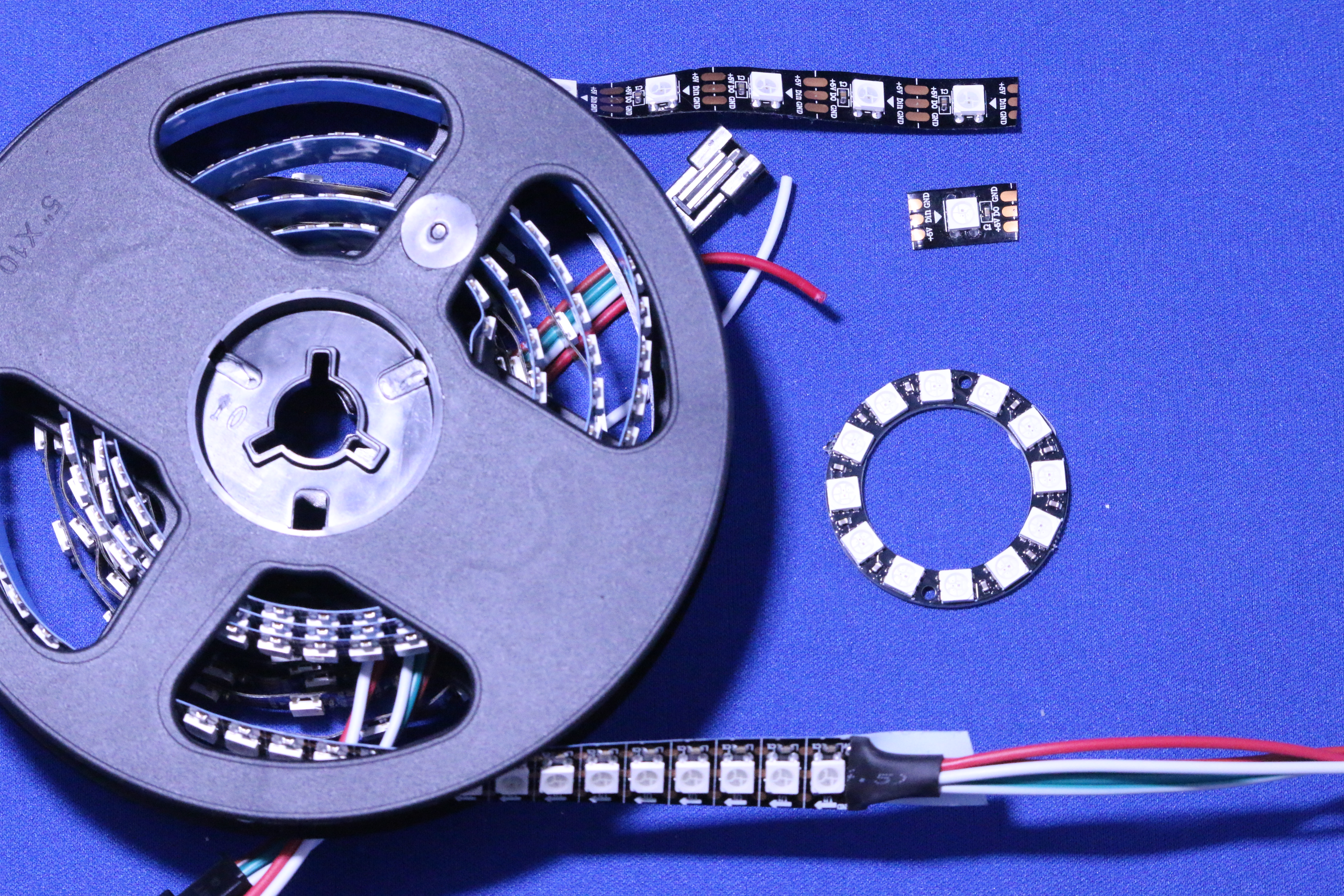
The timing signals to control the WS2812B are a little time sensitive and on a microcontroller can use up a lot of its resources. The RP2040 processor that the Raspberry PI Pico is based on has something called Programmable Input Output. This is basically a state machine that can run in parallel with the processor cores handling some simple input and output functions. So this library has used these mechanisms to manage the WS2812B LEDs, taking the workload off of the CPU.
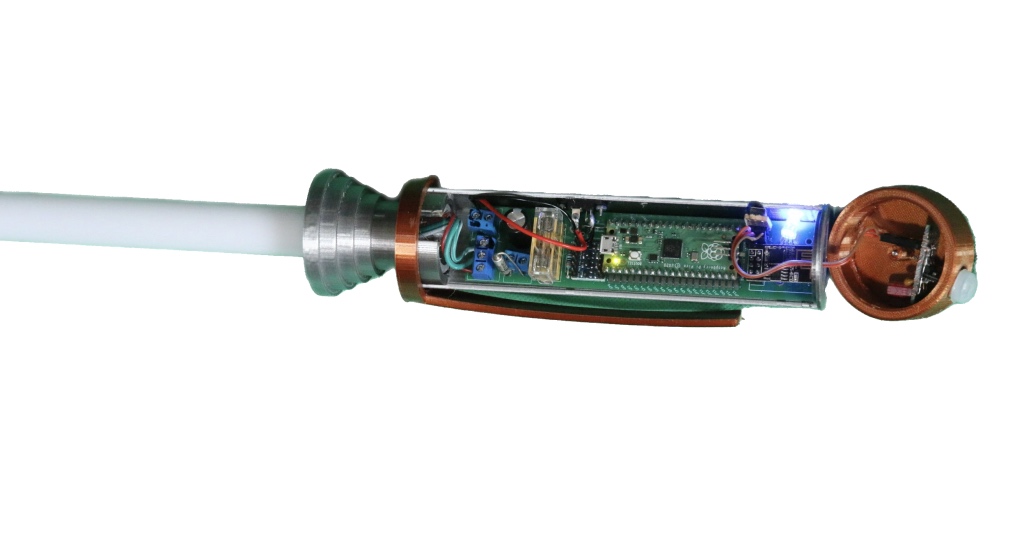
The biggest project I’ve built with the WS2812B LEDs and the Pico LED library is my Saber Wall Light. This animated blade light uses 144 LEDs in a strip to illuminate a lightsaber blade. I needed processor power for running the animation sequences and IoT communications. Offloading the WS2812B management to PIO helped with this.
I’ve also done some other projects using the small WS2812B LED rings and again animated displays on them. My Micro Projects on the Raspberry PI Pico course shows a number of examples with a WS2812B LED ring. I also used the same ring recently to demonstrate the accuracy of a stepper motor in a video blog.
If you are looking to play with lots of LEDs do check out the Pico LED library. It is a fine piece of work.
